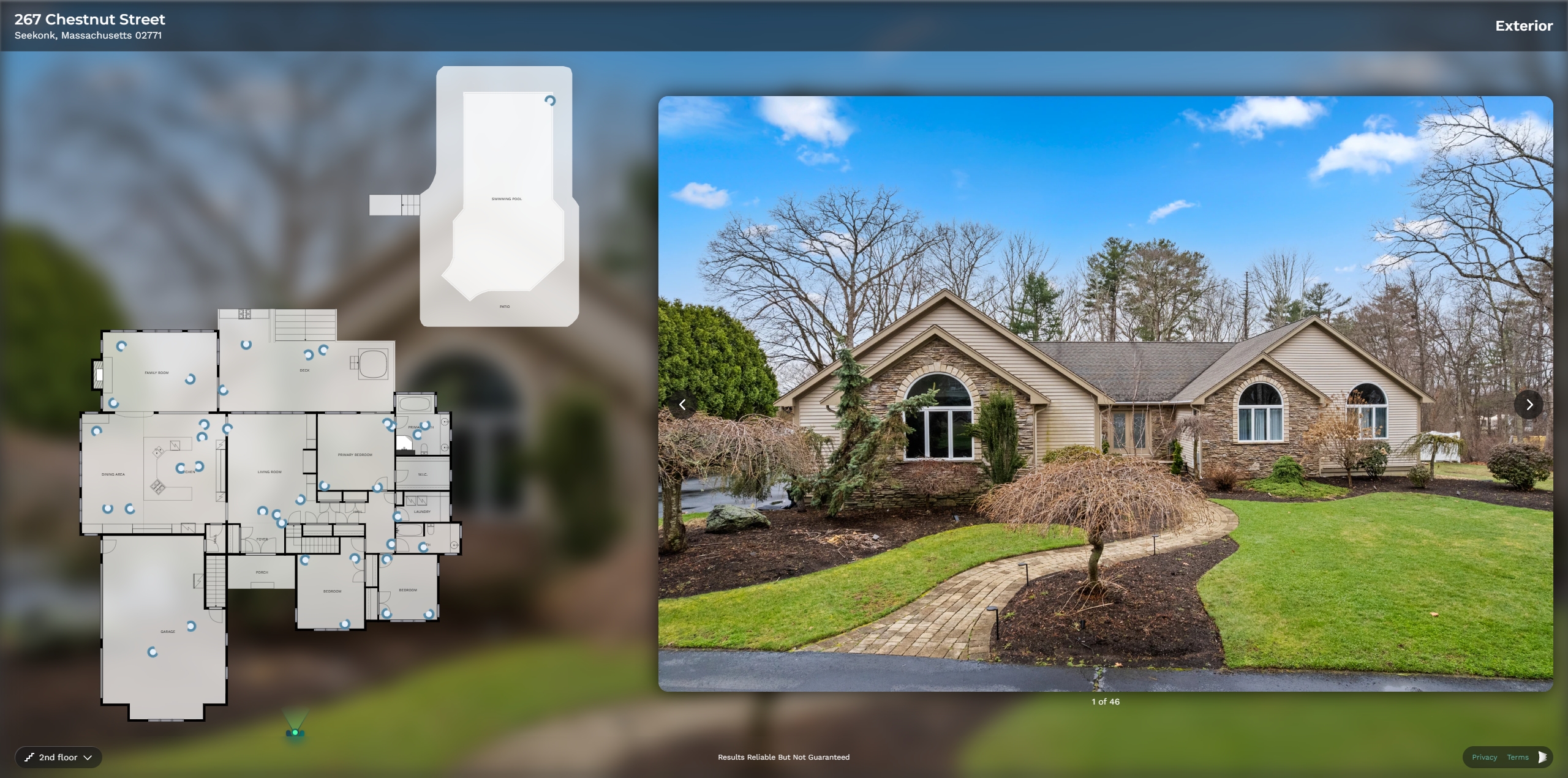
Various Interactive Floor Plans We Offer
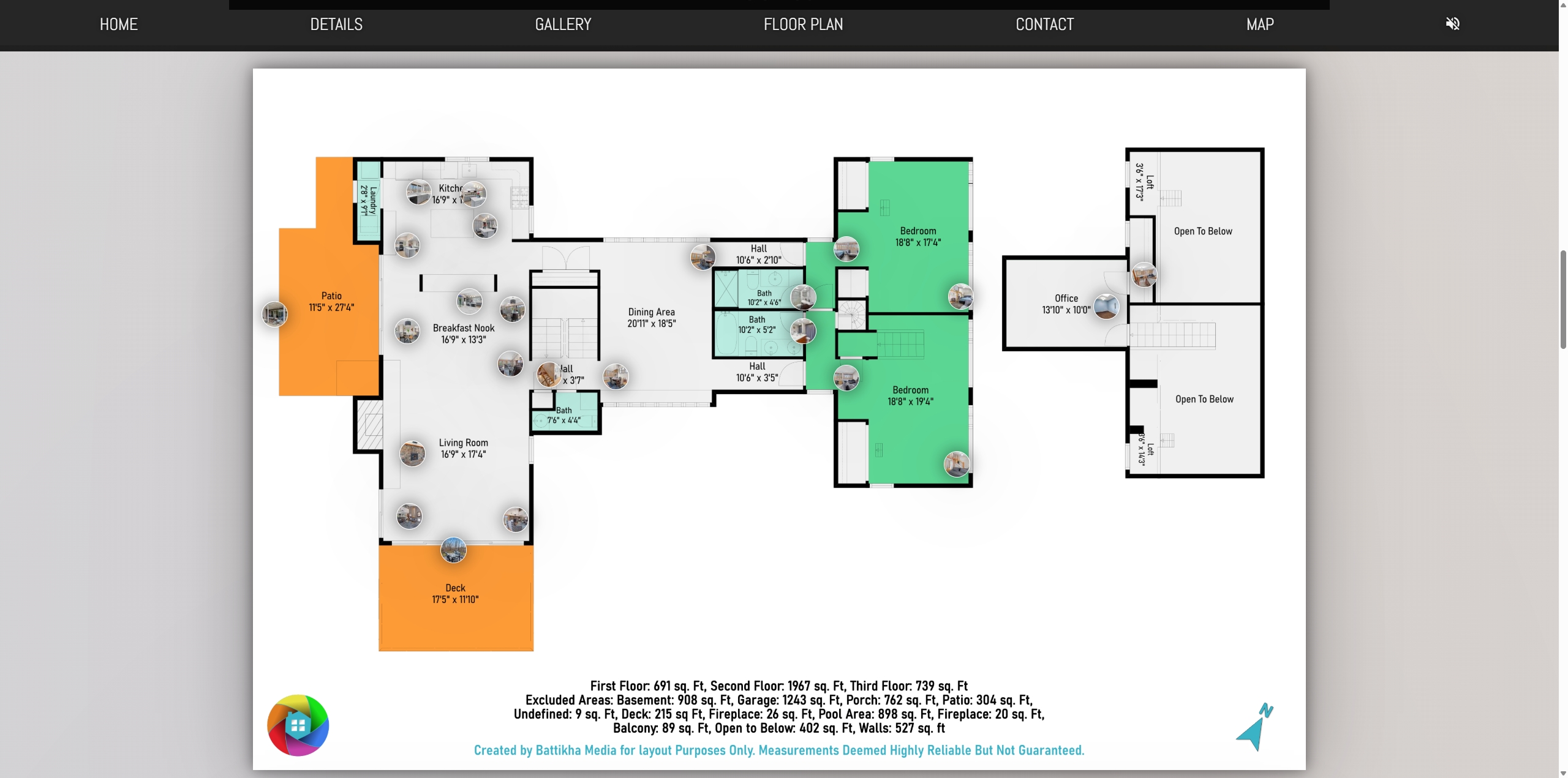
Interactive Floor Plan with the Marketing Kit/Property Site
This is the one that comes with our Marketing Kit but more specifically if you plan on using the Property Site. While we’d like to think everyone uses the Property Site, please be sure to let us know if you will be so that we can take the necessary time to drop the pins (or you can do it yourself, we’ll have a video tutorial on that soon). To share these interactive floor plan, you’d just share the link to your Property Site.
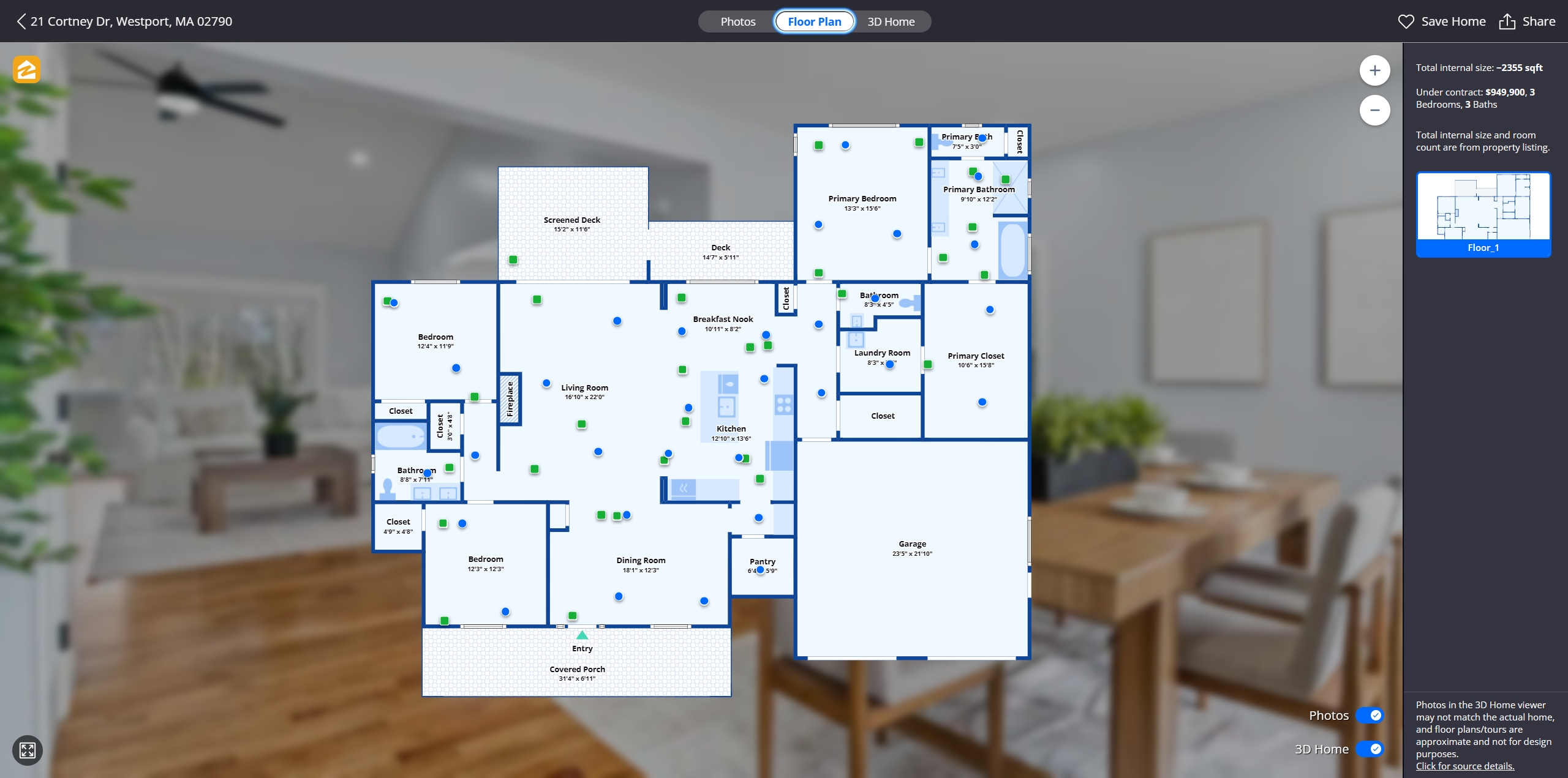
Interactive Floor Plan – Via Zillow 360/3D Tour
This is one you can add on to an order but is included in our Pro and Plus Media Bundles, it’s the Zillow 360 Tour (or 3D Tour depending on who you ask…). The Zillow Tour isn’t just for the 360 movement around the house, it also comes with an Interactive Floor Plan for both the standard photos as well as the 360 photos allowing customers to view the higher quality images in relation to where they were shot and is great for people who don’t do well with the 360 images. This shows up automatically on your Zillow Listings, and is also shareable via a link (we’ll create a separate video on how to get that link if you’re not sure) so that you can share it with your client base.
Interactive Floor Plan – Included with Basic Media Bundle
This last one is simply called the Interactive Floor Plan. As the rest, this one is an add on but is something included in our Basic Media Bundle. It has a direct link associated with it and can be shared directly on places like Facebook or via email or text to your clients. I should also be able to share this link on MLS (we’ll be providing an MLS compliant link), but someone may have to confirm this for us. Additionally, this tour also auto populates on sites like Redfin.com and Realtor.com so you don’t have to do anything for those.